
Create content
Edit platform post drafts in DoroSocial
Before publishing or scheduling, review each platform draft separately. A good YouTube title, LinkedIn post, TikTok caption, or Threads post can need different wording even when they came from the same source item.
Quick answer
Open the content item, click the pencil edit icon on the platform draft, adjust the fields for that platform, save, then publish or schedule when ready.
Review and edit a draft
Step 1
Open a content item with draft posts
Open the content item from the dashboard or item detail page. The Posts panel shows each platform draft separately so you can review one destination at a time.
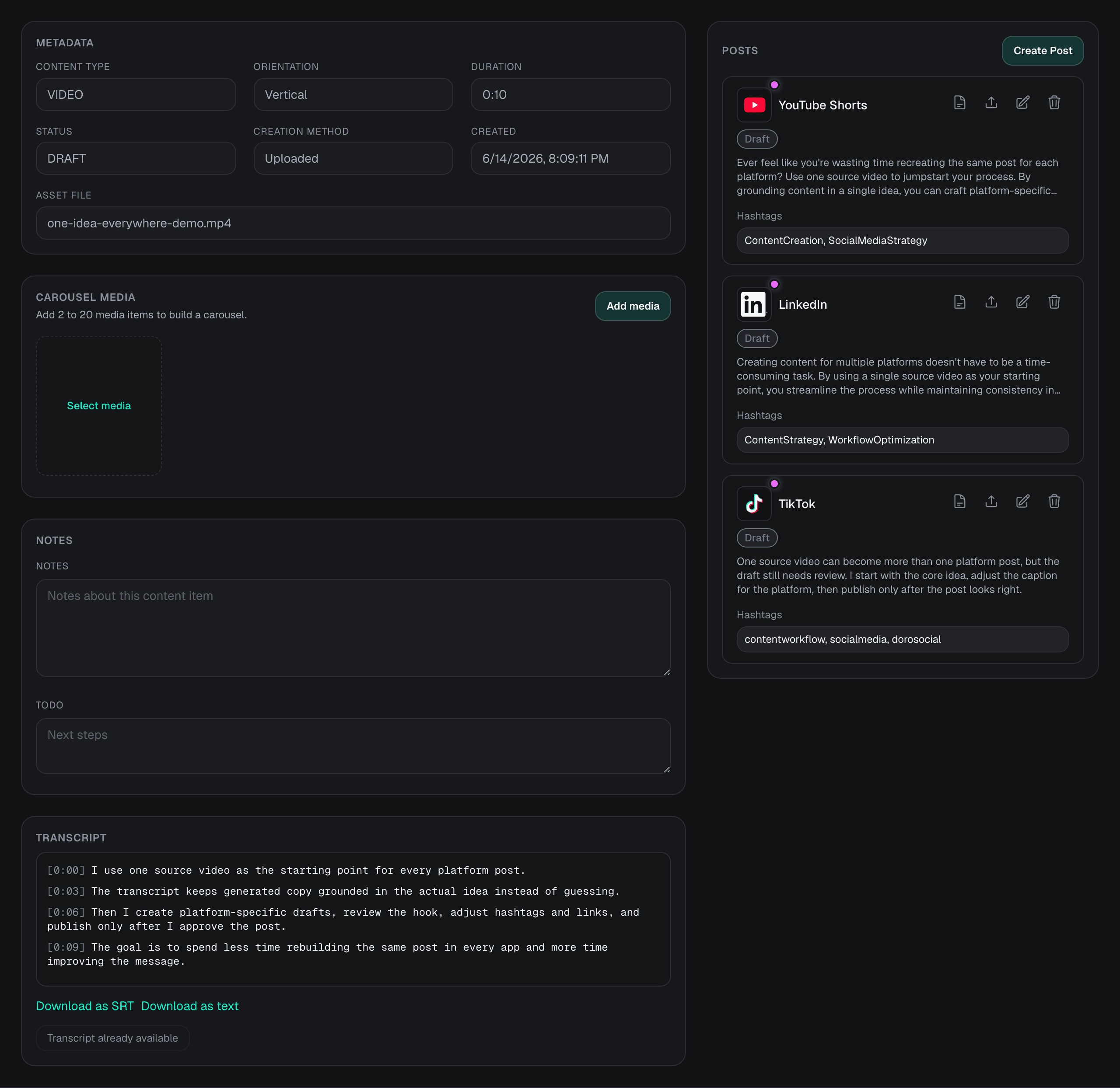
Step 2
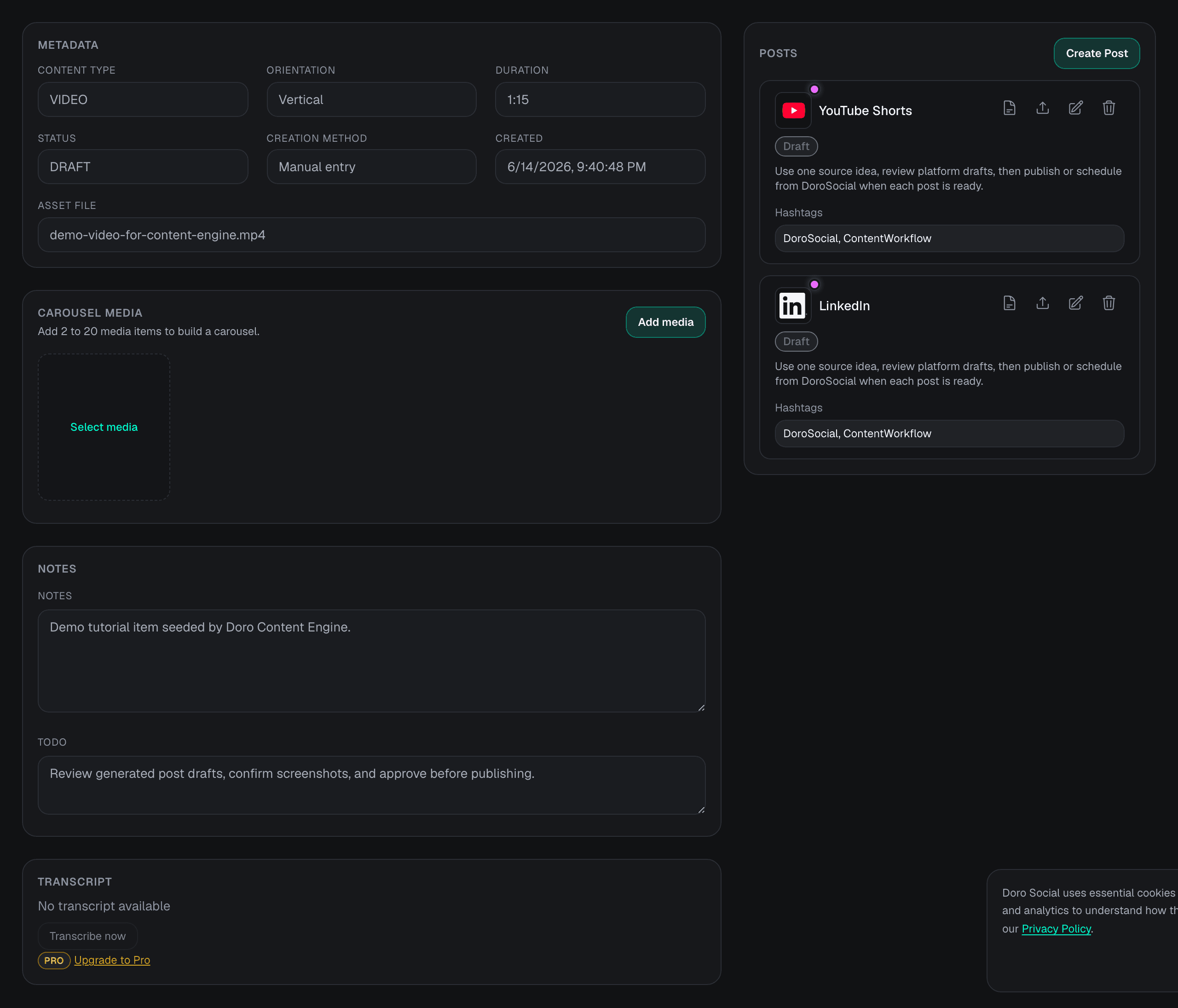
Click the edit icon on the draft
Use the pencil edit icon on the draft you want to change. Edit one platform at a time because title support, caption labels, tags, and publishing requirements differ by destination.
Step 3
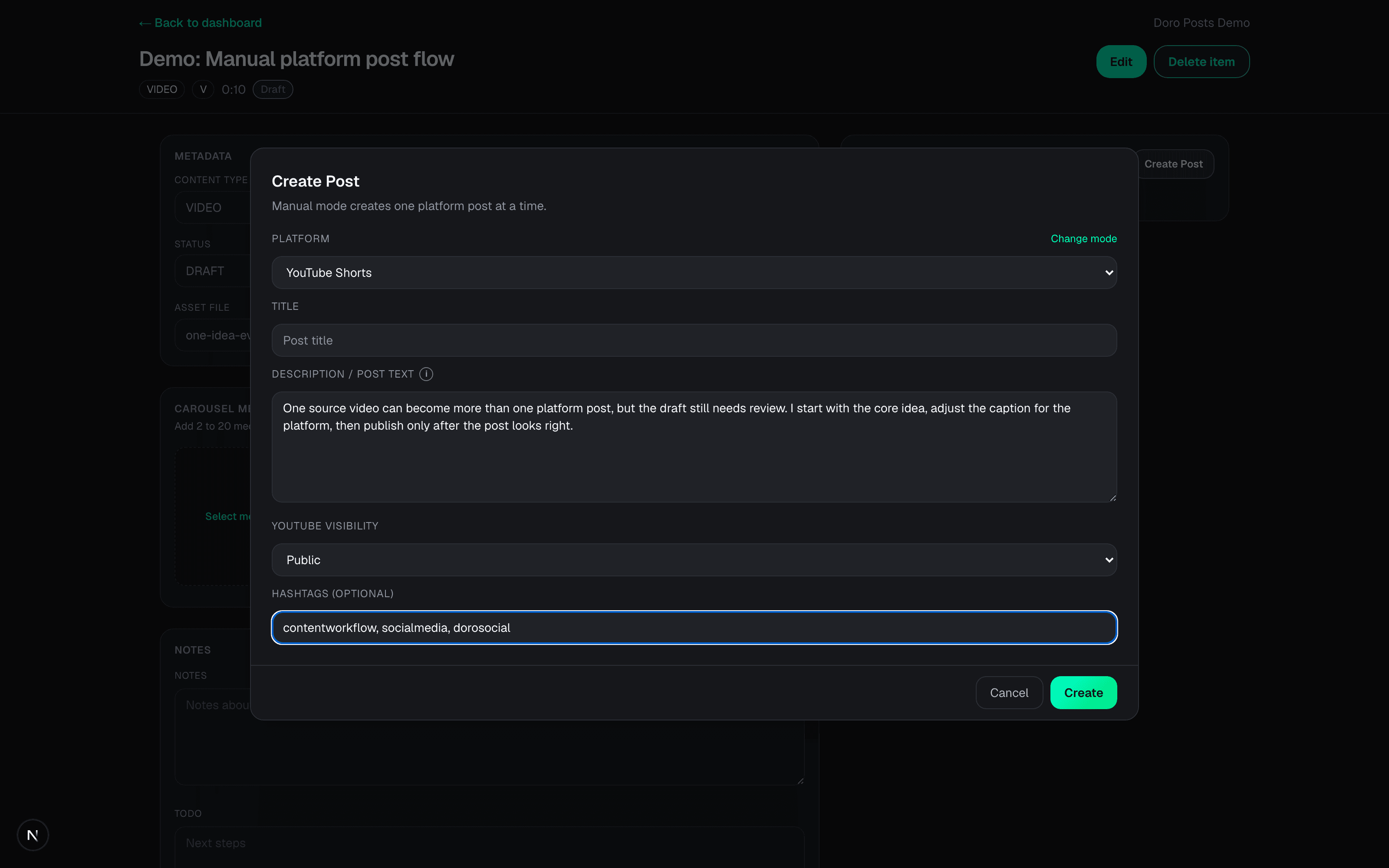
Review the platform-specific fields
Check the title when the destination supports one, then review the caption or post text, hashtags, and any platform-specific fields such as YouTube tags or visibility.
Step 4
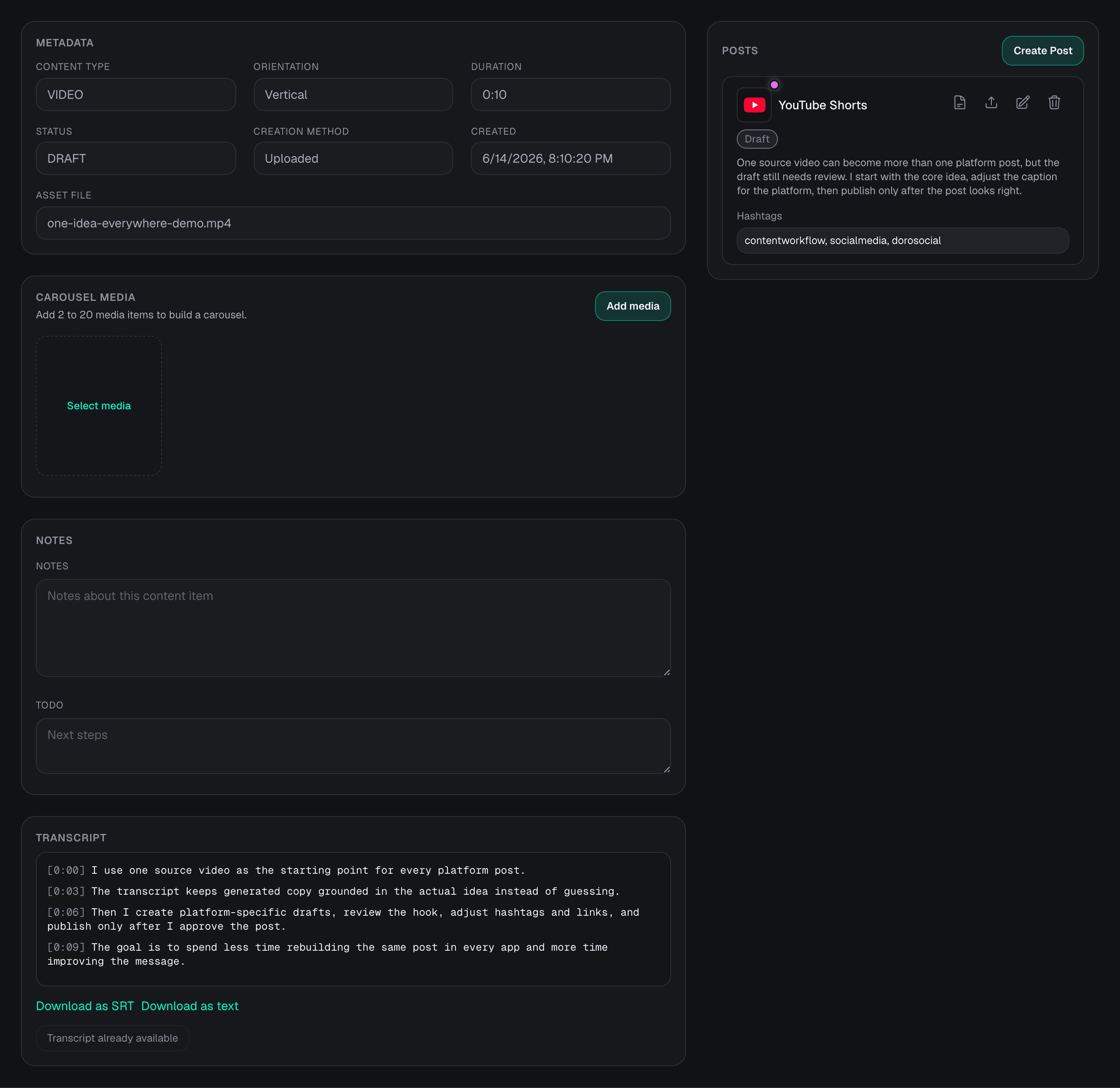
Save the draft before publishing
Saving the draft updates the platform post only. It does not publish automatically. After saving, use the publish or schedule flow when you are ready.
Draft review checklist
- Hook or first sentence
- Title, if the platform supports a title
- Caption, description, or post text
- Hashtags and YouTube tags
- Links and calls to action
- Platform rules such as Threads length limits or YouTube title requirements
Next steps
Common questions
Does editing a draft change every platform post?
No. Platform drafts are separate. Editing a YouTube Shorts draft does not rewrite the LinkedIn, TikTok, Instagram, or other platform drafts for the same content item.
Can I edit AI-generated drafts?
Yes. AI-generated options become ordinary drafts after you create them. You can edit the text, hashtags, supported title fields, and platform-specific metadata before publishing.
Should I change status manually before publishing?
Usually no. Keep the draft in Draft status, then use Publish or Schedule when you are ready. The publish and schedule flows update the status for you.
Why does one platform have a title field and another does not?
DoroSocial shows fields based on what the selected platform and content type support. YouTube-style posts can require a title, while many social posts only need caption or body text.