
Keep one source of truth
Create a content item for a video, image, or idea, then keep its notes, links, transcript, and publishing work together.
Creator workflow
Doro Social keeps source content, platform drafts, and publishing status in one workspace so you can prepare posts for the channels you use without rebuilding the same workflow in every app.
Publishing and scheduling depend on your connected accounts, plan limits, and each platform's requirements.
From content to schedule
A scheduler is more useful when the draft, source material, and publishing status stay connected. Doro Social is designed around that workflow rather than a disconnected queue of captions.
Create a content item for a video, image, or idea, then keep its notes, links, transcript, and publishing work together.
Create manual drafts or, with eligible Pro access and credits, use AI transcription and draft generation to prepare platform-specific copy.
Review each selected platform draft, then publish or schedule it for supported connected channels when the account, media, and platform requirements are ready.
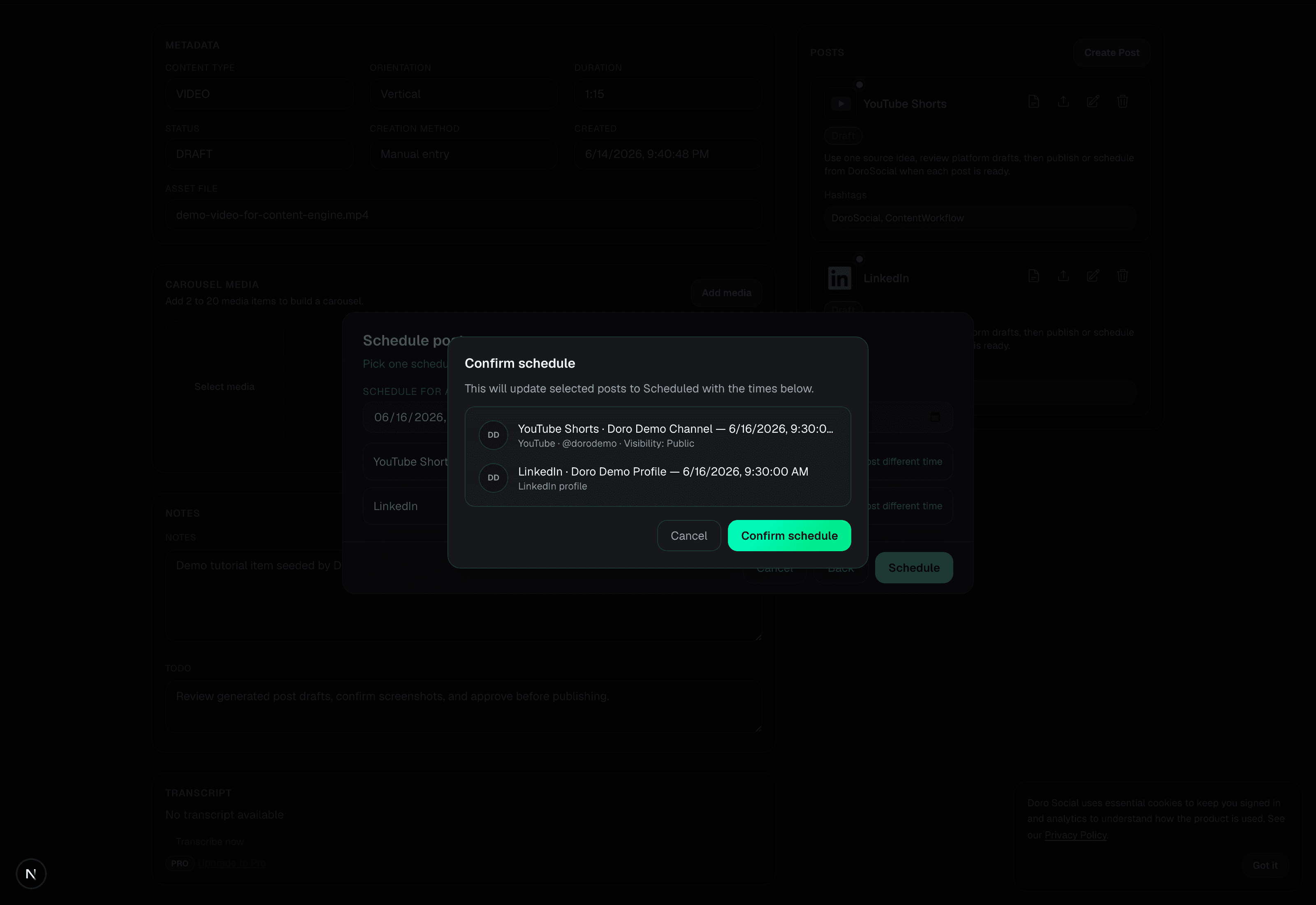
A real scheduling review
For example, start with a source video, make the drafts needed for YouTube Shorts and LinkedIn, review each platform's copy, then select the ready posts and give them a schedule. Doro Social keeps the selected posts and their timing together so you can confirm what is about to be scheduled.
This is a workflow-first scheduler: the calendar decision follows the source and draft review instead of becoming another disconnected place to manage captions.
Supported channels
Doro Social supports publishing workflows for the channels below when the account, media, plan, and platform requirements are met. X publishing is available on Pro under paid API access and plan rules; LinkedIn Pages are not launch-ready.
Need the exact connection and publishing steps? Read the social account connection guide.
For real creator work
Keep the next step simple
Create one item, prepare the drafts you need, and decide whether to publish now or schedule later. Upgrade only when AI transcription, AI-generated drafts, more connected channels, or longer scheduling limits save you time.
Questions creators ask
Yes. You can create and review manual platform drafts within your plan limits. AI transcription and AI-generated drafts are optional Pro features that use credits.
You can create separate drafts for the supported channels you choose, then publish or schedule ready drafts. Each connected account, media type, and platform can still have its own requirements.
Keep an eye on whether each post is still a draft, scheduled, published, failed, or needs attention. Those statuses tell you what to review next.